AI Reel Maker for Real Estate: 15 Property Reel Ideas for Agents and Builders (2026)
Make property reels with AI from listing photos or a phone walkthrough. 15 ideas for flats, villas, plots and launches, a shooting checklist and a plan.
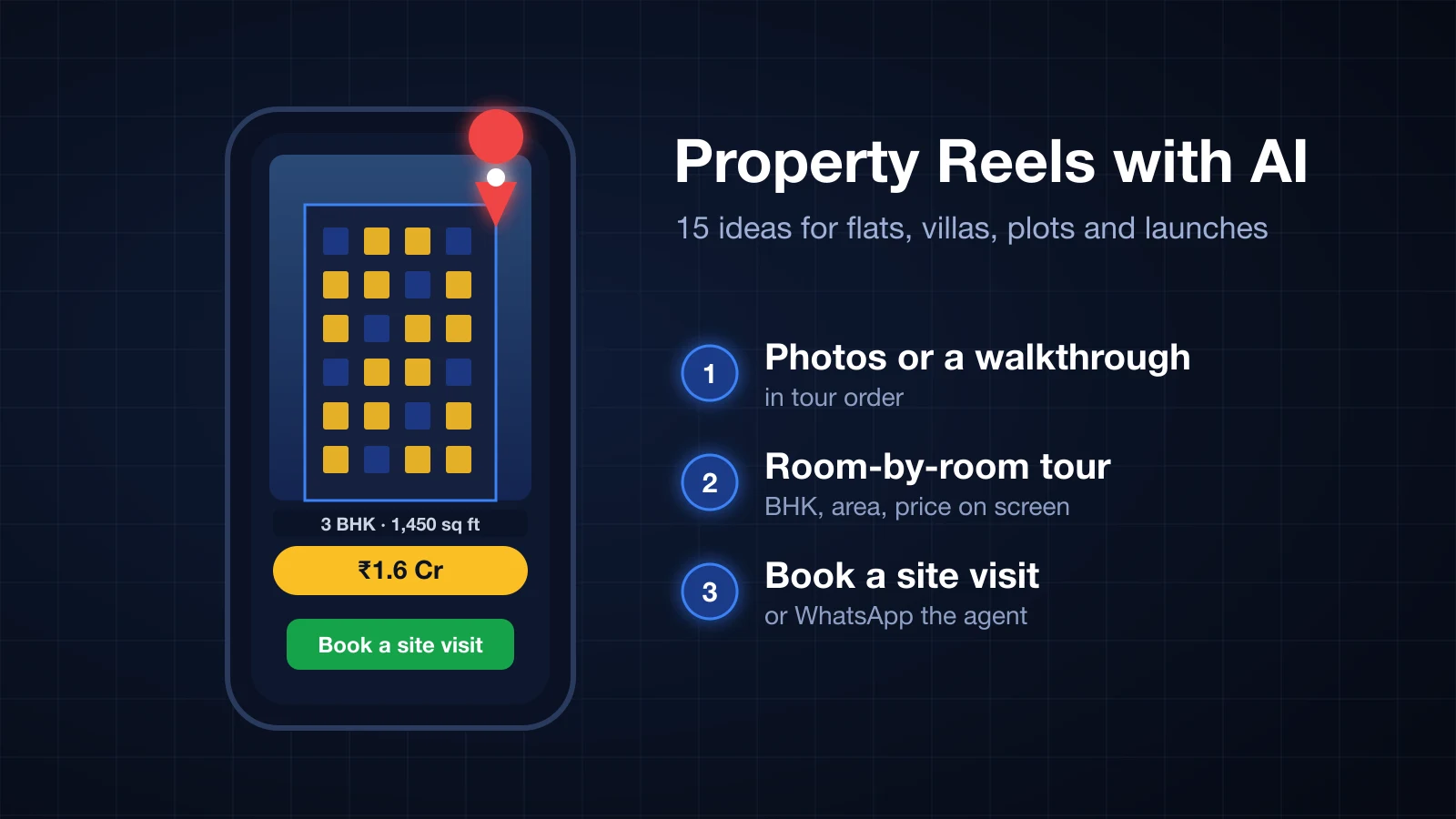
Short answer: A real estate agent or builder can make a property reel with AI from 8-12 listing photos or one phone walkthrough. Write the key facts in one sentence (BHK, carpet area, price, location, possession), and an AI reel maker like MakeAIReel builds a room-by-room tour with captions, voiceover and music, ending with "Book a site visit" or your WhatsApp number. No editor and no drone needed.
This guide covers how to shoot a listing, the facts every property reel must show, 15 reel ideas you can copy as prompts, hooks, a weekly plan and the mistakes that waste good listings.
Why Reels Work for Property
Buyers shortlist on their phone long before they visit. A 20-30 second reel that opens on the best view and walks through the home answers the first question ("is this worth a visit?") faster than a list of photos on a portal.
- A tour beats a photo grid. Moving from the entrance to the balcony gives a sense of layout that single photos cannot.
- Facts on screen filter leads. When BHK, area and price are visible, the people who message you are already interested.
- One listing, many places. The same 9:16 reel works on Instagram Reels, YouTube Shorts, WhatsApp Status and in your broadcast lists.
- Your face builds trust. Buyers deal with people. A short intro or area guide from you makes the next call easier.
Shooting Checklist (Photos or Walkthrough)
If you shoot photos
- 8-12 photos in tour order: building or gate, living room, kitchen, each bedroom, bathroom, balcony and the view.
- Daylight, lights on, curtains open. Shoot in the morning or late afternoon.
- Hold the phone straight at chest height so walls stay vertical. Avoid the ultra-wide lens for small rooms, it stretches them.
- Clean and empty the frame. Remove bags, laundry and clutter. Close the toilet seat.
- One shot of what is nearby: the park, the main road, the metro or the market, if it is a selling point.
If you shoot a walkthrough
- Hold the phone vertical and walk slowly, room by room, in one direction.
- Talk if you like. Say the room name and one fact ("the master bedroom, with an attached balcony"). Pauses and false starts get trimmed.
- Keep each room to 5-10 seconds. The edit will cut it down to a 30-second reel.
The Facts Every Property Reel Should Show
Put these in your prompt so they appear as captions and in the voiceover:
- Type and size: 2 BHK, 3 BHK, villa or plot, with carpet area
- Price, or a clear "starting from" price for a project
- Location: the area and one landmark buyers know
- Possession: ready to move, or the expected date
- Contact: WhatsApp number, phone or "Book a site visit"
- Registration number where it applies. For RERA-registered projects in India, show the project's RERA number on screen or in the caption. Your state RERA authority's rules decide the exact requirement.
How to Make a Property Reel With AI, Step by Step
- Open the Reel Creator and attach your photos or walkthrough video. If the listing is on your own website, you can paste the page link instead. Large listing portals often block automated reading, so attach the photos in that case.
- Write the facts in one sentence. For example: "3 BHK in a fictional project, Green Arc Residency, 1,450 sq ft, ₹1.6 Cr, ready to move, near the metro. Open on the balcony view, Hinglish voiceover, end with 'Book a site visit'."
- Review the tour. The AI orders the rooms, writes a caption for each and puts the price and contact at the end.
- Change anything by asking, in plain words:
- "Start with the balcony view"
- "Show the price bigger at the end"
- "Make it 20 seconds"
- Export the 9:16 reel and post it everywhere: Reels, Shorts, WhatsApp Status and your broadcast list.
15 Real Estate Reel Ideas (Copy These Prompts)
Swap in your own listings, prices and area. Project and agent names below are fictional.
Listing Tours
1. Ready-to-move flat. "2 BHK, 1,050 sq ft, ready to move, ₹78 lakh. Tour from the entrance to the balcony, one caption per room, calm music, end with 'Book a site visit'."
2. Open on the view. "Start with the balcony view at sunset, then the living room and bedrooms. Hook: 'This is the view from your bedroom.' Price and location at the end."
3. Raw walkthrough edit. "Edit my walkthrough video into a 30-second reel. Keep my voice, cut the pauses, add subtitles and the price at the end."
4. Villa or independent house. "4 BHK villa with a private garden. Show the gate, garden, living room, kitchen and terrace. Premium music, Hinglish voiceover, CTA 'Call for a private visit'."
5. Plot or land. "Residential plot, 200 sq yd, corner plot near the highway. Use my photos of the site and the road, show the price per sq yd and nearby landmarks, CTA 'Visit this Sunday'."
6. Rental listing. "2 BHK for rent, semi-furnished, ₹28,000 a month, family preferred. Quick tour, deposit and availability on screen, CTA 'WhatsApp for a visit'."
New Launches and Projects
7. Project launch. "New launch: 2 and 3 BHK, possession Dec 2027, pre-launch price. Premium music, bold captions, show the RERA number on screen, CTA 'Register for early pricing'."
8. Amenities in 20 seconds. "Show the clubhouse, pool, gym, kids' play area and security gate from my photos. One word caption per amenity, upbeat music."
9. Construction update. "Monthly construction update for a fictional project, Green Arc Residency: tower 2 slab work done. Honest, simple voiceover, end with 'Possession on track'."
10. Floor plan explained. "Explain this 3 BHK floor plan in 20 seconds: where the light comes in, which rooms are attached, the balcony size. Clean captions."
Trust and Education Reels
11. Area guide. "Why buy in this area: metro, IT parks, schools and malls nearby. Use our photos, confident voiceover, end with our office number."
12. Buyer tips. "3 things to check before buying a resale flat. Friendly Hinglish voice, captions, CTA 'Follow for more buyer tips'."
13. Agent introduction. "Introduce me: fictional agent Aman, 10 years in this area, 300 families helped. Use my clips, warm voice, CTA 'Message me your budget'."
14. Home loan basics. "Explain in simple words what EMI, down payment and loan eligibility mean for a first-time buyer. No numbers that promise a rate. End with 'Ask us for help with paperwork'."
15. Deal closed. "Key handover to a happy family, shared with their permission. Short emotional music, caption 'Another family home', CTA 'Your turn, tell us your budget'."
Hooks That Stop the Scroll
The first two seconds decide whether buyers watch the tour. Try one of these as the opening caption or voiceover line:
- "This is the view from your bedroom."
- "3 BHK under ₹1 Cr in this area? Yes."
- "Ready to move. Keys in 30 days."
- "Don't buy a resale flat before checking these 3 things."
- "What ₹25,000 rent gets you in this area."
- "Walk through this home with me."
You can ask the AI to "start with a question hook" and it will write one for your listing.
Language: Hindi, Hinglish or Regional?
Use the language your buyers speak. In most Indian cities, a Hinglish voiceover with English captions reaches the most buyers, while a Marathi, Telugu, Tamil or Kannada voiceover can stand out in local markets. Reels can be made in many Indian and world languages. Just say which one in your prompt.
On Pro, you can record 10 to 60 seconds of your own voice so every listing is narrated in your cloned voice, or let an AI presenter speak the opening line to camera.
A Simple Weekly Plan
| Day | Reel | Example |
|---|---|---|
| Monday | Listing tour | Your best new listing, opening on its strongest room |
| Wednesday | Education or area | Buyer tip, area guide or floor plan explained |
| Saturday | Trust or launch | Agent intro, construction update or a handover |
Make all three in one sitting on Sunday. Before a launch or a weekend site-visit drive, add one extra listing reel.
Mistakes to Avoid
- No price. "Price on request" drops most viewers. Show a price or a "starting from" price.
- Ultra-wide distortion. Stretched rooms disappoint buyers at the site visit and waste your time.
- Showing what isn't there. Do not use renders as if they were the finished flat, or mention amenities that are not part of the property.
- Too long. Keep listing tours to 20-30 seconds. Reels are capped at 60 seconds.
- No contact line. Every reel should end with how to reach you.
What It Costs
Every MakeAIReel account gets 1 free reel a day, made with stock footage and your own photos and exported with a watermark. That is enough to test whether reels bring enquiries.
When you want reels without a watermark, reel packs start at $1.99 for 2 reels, with no subscription. For agents posting every week, Starter is $10 (₹880) for 20 AI reels in 30 days, and Pro is $20 (₹1760) for 40, both with HD AI motion on your photos, a custom soundtrack, premium voiceover and 1080p exports. Website links, raw video editing and the quality check work on every plan. See pricing.
Frequently Asked Questions
How can a real estate agent make Instagram Reels with AI? Attach listing photos or a walkthrough, write BHK, area, price, location, possession and contact in one sentence, and the AI builds the tour with captions, voiceover, music and a call to action. You review it and change anything by asking.
Can I make a property reel from photos only? Yes. 8-12 photos in tour order are enough for a 20-30 second reel.
Can AI edit my raw walkthrough video? Yes. It keeps your voice, cuts pauses and filler words, adds subtitles and the price at the end.
Will AI make the property look different from reality? Your photos and footage are the visuals. AI motion only adds camera movement and is checked for glitches. Always watch before posting.
Can property reels be in Hindi or Hinglish? Yes, and in Marathi, Telugu, Tamil, Kannada and many other languages. Just say which one in your prompt.
Related Guides
- AI reel maker for real estate agents and builders: features and examples
- Edit raw video with AI: remove filler words and retakes
- Website link to video ad
- WhatsApp Status videos for local businesses
Start now: Make your first property reel free
Make your next reel with AI
Describe it, add your product photos or store link, and get a finished reel with voiceover, captions and music. Start free.
Make a reel freeKeep reading
- AI Reel Maker for Jewellery Shops: 15 Reel Ideas That Bring Store Visits (2026)Make jewellery reels with AI from product photos or a store link. 15 ideas for festive, bridal and daily wear, a photo checklist, hooks and a weekly plan.
- AI Reel Maker for Salons: 15 Before-After and Offer Reel Ideas That Fill Appointments (2026)Make salon reels with AI from before-after photos and short clips. 15 ideas for hair, skin, nails and bridal makeup, a shooting checklist and a plan.
- AI Reel Maker for Restaurants: Turn Dish Photos Into ReelsMake restaurant and café reels with AI from your dish and menu photos. Step-by-step guide, 10 reel ideas, CTA examples and how to do it without being on camera.