Best AI Reel Editor in 2026 – Make Viral 9:16 Videos Instantly
Looking for the best AI reel editor? Learn how AI tools format, caption, and polish your short videos for Instagram Reels, TikTok, and YouTube Shorts.

Best AI Reel Editor in 2026: Make Viral 9:16 Short Videos in Seconds
Creating scroll-stopping Reels is no longer about spending hours tweaking a traditional timeline. The best creators in 2026 are winning by using AI reel editors that handle the heavy lifting—like formatting, captions, and pacing—so they can focus entirely on going viral.
Whether you're posting on Instagram Reels, TikTok, or YouTube Shorts, the game is exactly the same: fast turnaround, perfect 9:16 vertical formatting, and tight editing that keeps viewers hooked.
Why Short-Form 9:16 Video is the Hardest Format to Edit Manually
Short videos might look simple to make, but editing them manually is brutally tedious. You have under 3 seconds to hook a viewer. Every dead moment, filler word, or slow pause costs you a follower.
The biggest challenges that slow creators down:
- Reformatting footage to 9:16: Most raw clips or stock videos are shot in landscape (16:9). They need smart cropping to keep the subject in frame, not just a lazy letterbox.
- Removing dead air: "Um", pauses, and slow intros kill retention instantly.
- Dynamic Captions: Typing out and animating text word-by-word takes hours.
- Consistency: Posting daily or multiple times per week is impossible if one video takes you two hours to edit.
Manual editing for short-form content is a fast track to burnout. You need an AI-driven workflow that understands the vertical format.
What to Look For in a Great AI Reel Editor in 2026
Not every video tool understands the rapid pace of Reels and Shorts. If you are looking to upgrade your workflow, here is what separates a true short-form editor from a generic video tool:
1. Native 9:16 Output
A true AI reel editor treats vertical video as the default canvas, not a crop option buried deep in the export settings. Everything should be optimized for the phone screen from the moment you upload your media.
2. Automated Dynamic Captions
In 2026, a massive percentage of users scroll with their volume muted. Your editor must have an auto-captioning feature that transcribes your audio and generates bold, animated text. Tools like CapCut and Veed.io have made this standard, and it is an absolute necessity for retention.
3. Cloud-Based Processing
Downloading heavy desktop software like Premiere Pro and waiting for massive files to render will destroy your laptop's battery and your patience. The best modern reel editors process your videos in the cloud, allowing you to edit from a browser on any device.
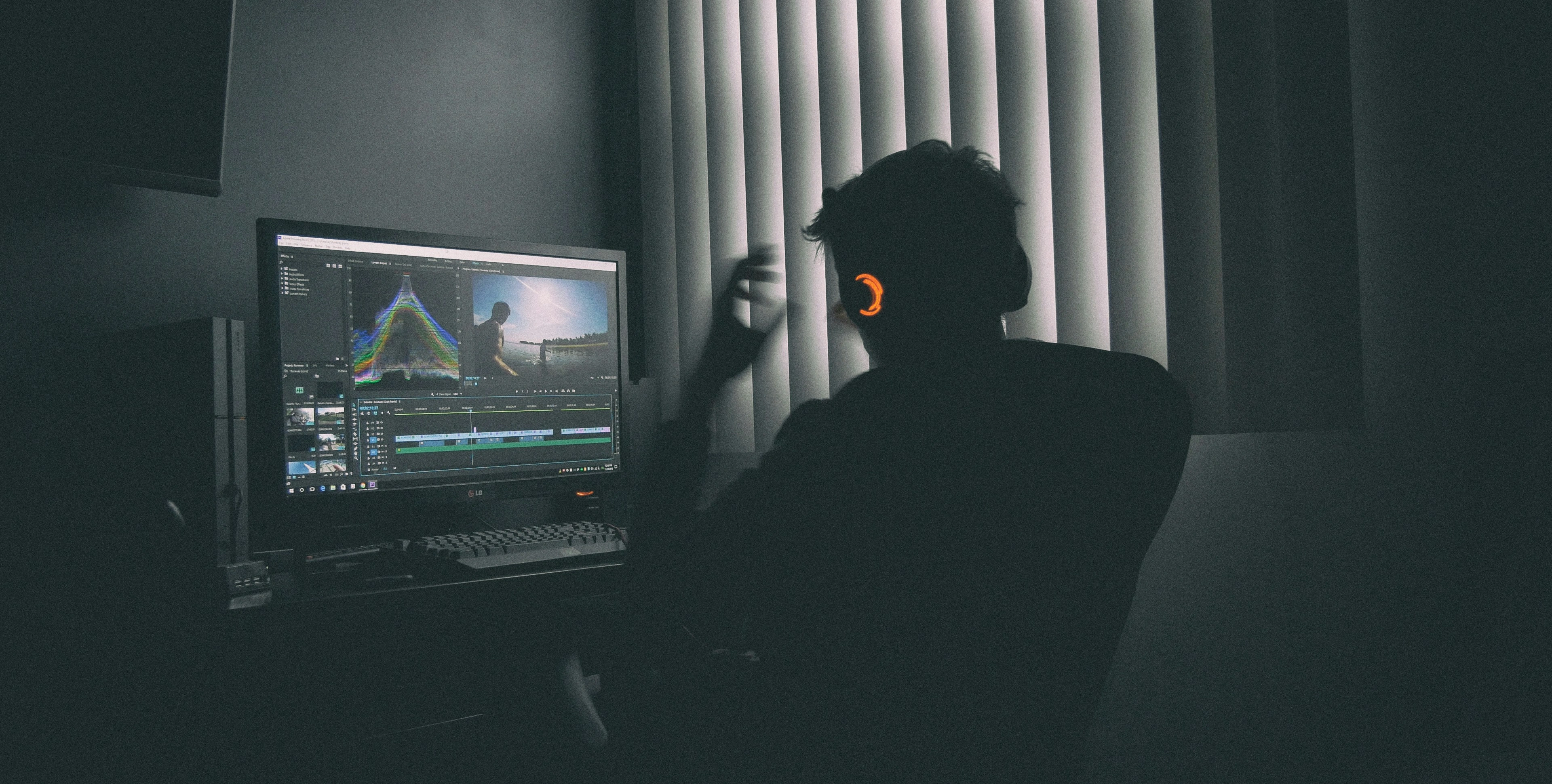
AI Workflows vs. Traditional Editing
| Feature | AI-Powered Workflow | Manual Editing (Premiere/Final Cut) |
|---|---|---|
| Time per reel | Minutes | 1–3 hours |
| 9:16 Formatting | Automatic / 1-Click | Requires manual sequence setup |
| Captions | AI Auto-Transcription | Manual typing & syncing |
| Hardware Needed | Any browser | High-end GPU / Heavy RAM |
| Burnout Risk | Low (Built for daily volume) | High (Tedious repetitive tasks) |
Who Benefits Most from AI Reel Editors?
- Instagram & TikTok Creators: The algorithm rewards fast hooks and tight editing. An AI-assisted workflow gives your videos the snappy pacing the audience demands.
- YouTube Shorts Repurposers: Easily take a podcast or a long-form YouTube video, crop it to 9:16, and add captions to create a Short in minutes.
- Faceless Content Creators: Running a niche channel? Combine your AI voiceovers and background visuals seamlessly without touching a timeline.
Looking for a simpler way to edit?
If you are tired of complex timelines and want a streamlined, browser-based tool to help assemble your short-form content, give MakeAIReel.com a try. We are actively building and refining tools designed to help creators format, combine, and polish their vertical videos with ease.
Frequently Asked Questions (FAQs)
What makes an AI reel editor different from standard editors? +
Do I need a powerful PC to use an AI video editor? +
Are auto-captions actually accurate? +
Want to automate your video workflow?
Get Started with MakeAIReel