How to Automate Faceless YouTube Shorts in 2026 (The Ultimate Guide)
Learn how to fully automate your faceless YouTube Shorts channel in 2026. Discover the exact AI workflow to script, generate voiceovers, and publish 9:16 videos.

How to Automate Faceless YouTube Shorts in 2026 (The Ultimate Guide)
The gold rush for YouTube Shorts is in full swing. In 2026, creators are generating millions of views—and substantial ad revenue—without ever stepping in front of a camera. The secret? Faceless channel automation.
But here is the reality check: running a successful faceless channel is a volume game. Posting once a week won’t trigger the algorithm. You need to be posting daily, sometimes twice a day. To do this without burning out, you need a streamlined workflow that leverages AI from start to finish.
Here is the exact step-by-step blueprint to take your faceless YouTube Shorts production from an idea to a published video.
Step 1: Systematize Your Scripting with AI Tools
The foundation of any viral Short is the script. With only 60 seconds to work with, every single word must pull its weight.
Instead of writing scripts from scratch every day, dedicate one hour a week to batch-generate your content. Use AI chatbots like ChatGPT or Claude to draft 10-15 scripts in your specific niche (e.g., finance, history, psychology).
The Golden Formula for a Shorts Script:
- The 3-Second Hook: Start with a bold claim, a weird fact, or a direct question.
- The High-Paced Value: Deliver the information quickly with zero fluff.
- The Loop/CTA: End the video in a way that naturally flows right back into the beginning to increase your average view duration (AVD).
Step 2: Generate Lifelike AI Voiceovers
Robotic text-to-speech is dead. Viewers will instantly scroll past a video if the voice sounds like a 2010 GPS navigator.
Today’s AI voice cloning tools are practically indistinguishable from real human speech. Once your batch of scripts is ready, run them through an AI voice generator like ElevenLabs or Murf.ai. Choose a voice that fits your niche—authoritative and deep for history facts, or energetic and fast-paced for tech news.
Step 3: Source or Generate Your Visuals
Since you aren't showing your face, your visuals need to be incredibly engaging to keep the viewer from scrolling.
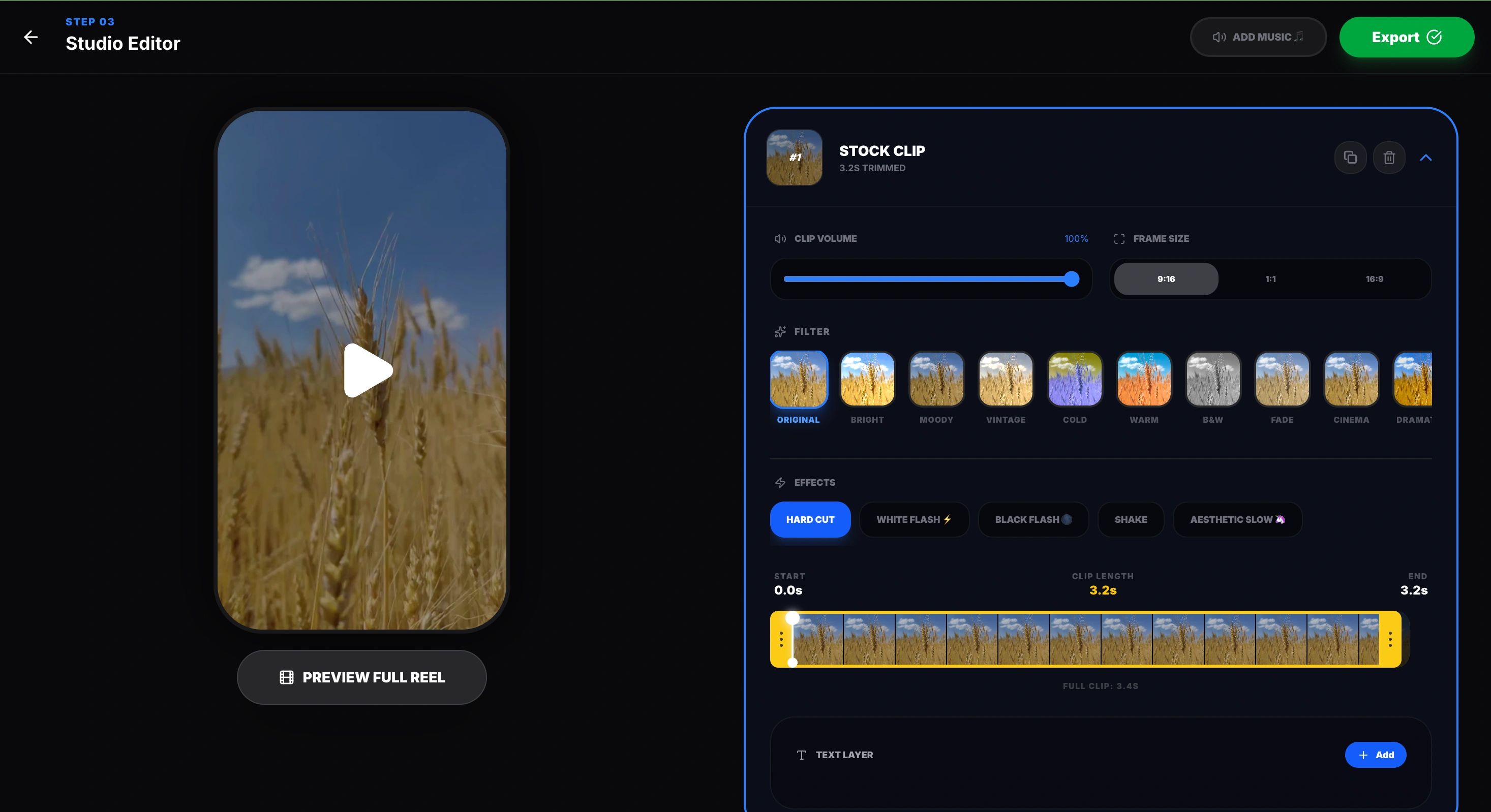
You have two main options here:
- High-Quality Stock Footage: Use sites like Pexels or Pixabay to find free, high-quality background videos that match the theme of your script.
- AI Image & Video Generation: If your niche is highly specific (like ancient history or sci-fi), use tools like Midjourney or Leonardo AI to generate custom images, and animate them using Runway or Luma AI.
Step 4: Add Dynamic Captions and Assemble
The final step is putting it all together. A massive percentage of users scroll through Shorts with the sound off, which means dynamic, animated captions are non-negotiable.
Drop your voiceover and visuals into an editor. Many creators use tools like CapCut or Veed.io for this phase because of their auto-captioning features. You want captions that pop up word-by-word or phrase-by-phrase, using bold fonts and contrasting colors (like yellow and white) to keep the viewer's eyes glued to the screen.
Step 5: Schedule and Scale
Once you have exported your perfectly timed, 9:16 optimized videos, the final step is distribution.
Do not trust yourself to log in and post manually every day. Use YouTube's native scheduling tool to queue up your entire week of Shorts. By automating the heavy lifting of scripting and voice generation, your job transitions from an exhausted creator to a high-level channel director.
Looking to streamline your workflow even further?
If you want to simplify the process of turning your ideas into engaging short-form content, give MakeAIReel.com a try. We are building tools designed specifically to help creators produce fast, clean, and algorithm-friendly vertical videos without the headache.
Frequently Asked Questions (FAQs)
Can faceless YouTube Shorts be monetized? +
Does YouTube penalize AI voices? +
How many Shorts should I post a day for a new channel? +
Do I need expensive software to edit faceless videos? +
Want to automate your video workflow?
Get Started with MakeAIReel